Media
Images, animated GIFs, and videos with shared sizes and frames.

Images#
Put the image description in square brackets and its path or URL in parentheses. Click an image to open the lightbox; press Escape to close it. Add a quoted title after the path for a caption.
Set width and height to reserve the aspect ratio while the image loads. Local images use Brief's image optimization when available; set optimize=false to serve the original file.
Animated GIFs#
Use the same syntax for GIFs. They play automatically, keep their animation in the lightbox, and use the same captions, sizes, and frames as still images. Brief preserves animated originals rather than turning them into still images.
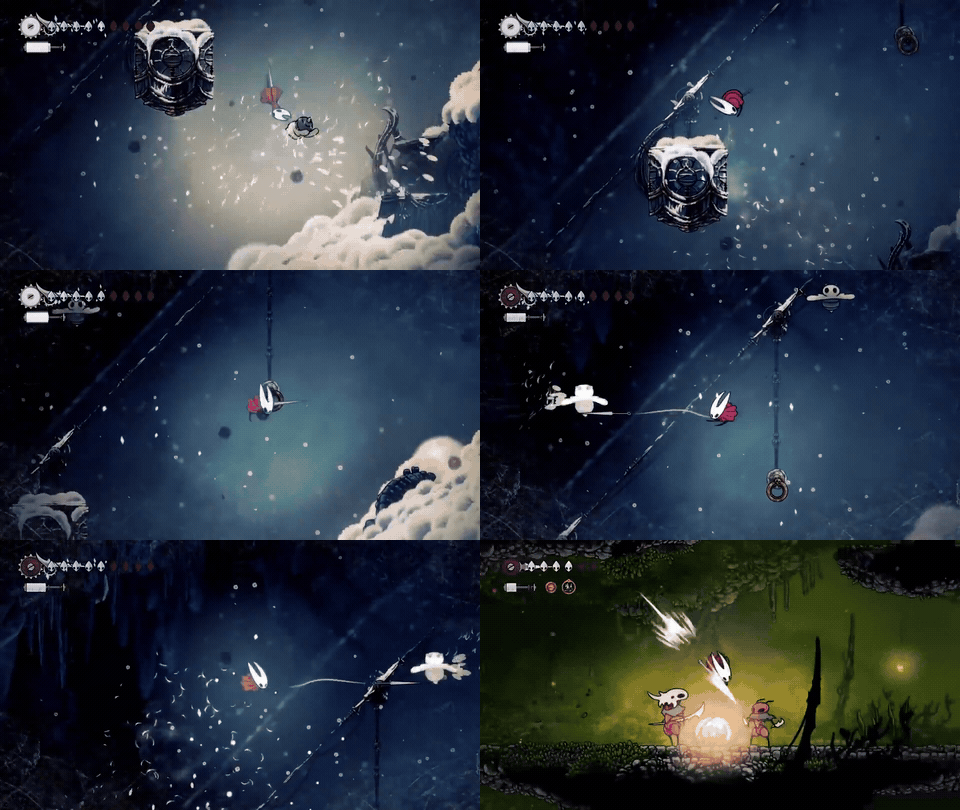 Hollow Knight: Silksong gameplay.
Videos#
Use Video with a direct video file URL and a descriptive label. The player includes play/pause, mute and volume, a seek bar, elapsed and remaining time, playback speed, and fullscreen and picture-in-picture when the browser supports them. Videos wait for the reader to start playback.
Use Tab to focus the controls. Enter or Space activates a focused button, and the arrow keys adjust a focused seek or volume slider. Add loop=true for repeated playback or muted=true to begin with the sound muted.
Size#
Images, GIFs, and videos accept size="small", "medium", or "large". Small is the default and uses 70% of the available content width, medium uses 85%, and large uses 100%. Media is centered and follows the configured page width or its enclosing container. On mobile, all three sizes use the full available width.

Borderless#
Set borderless=true to remove the frame, shadow, background, rounded clipping, and overlay ring. This also applies in the image lightbox and is useful for transparent artwork. Videos retain their playback controls.
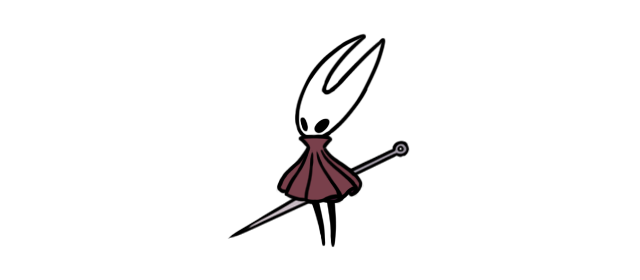
Framed media uses components.image.frame in the visual configuration, so images, GIFs, and videos share the chosen frame.
Example gameplay and Hornet artwork are by Team Cherry. The video and GIF use an excerpt from the official release trailer; the Hornet sprite is from the Hollow Knight Wiki.

Image reference#
srcRequiredstringImage path or HTTP(S) URL.
altDefaultundefinedstringText describing the image. Use an empty string only for a decorative image.
titleDefaultundefinedstringMarkdown image title, displayed as a visible caption when nonblank.
widthDefaultundefinednumber | stringIntrinsic width in pixels. Supply height too to reserve the aspect ratio.
heightDefaultundefinednumber | stringIntrinsic height in pixels. Supply width too to reserve the aspect ratio.
sizesDefaultundefinedstringResponsive source-size hint. Defaults to the standard prose column; override it for custom layouts or narrower containers.
optimizeDefaultundefinedbooleanGenerate responsive derivatives when enabled by the site image policy.
qualityDefaultundefinednumberLossy encoder quality from 1 to 100; defaults to 80.
formatDefaultundefined"webp" | "avif"Derivative image format; defaults to WebP.
losslessDefaultundefinedbooleanUse lossless encoding; defaults to false.
sizeDefaultundefined"small" | "medium" | "large"Small uses 70% of the available content width (default), medium uses 85%, and large uses 100%. Media is centered, and all sizes use the full available width on mobile.
borderlessDefaultfalsebooleanRemove the frame, shadow, background, rounded clipping, and overlay ring.
Video reference#
srcRequiredstringDirect video file URL, such as MP4 or WebM.
titleDefaultundefinedstringVisible caption beneath the video.
labelRequiredstringAccessible description of the video.
posterDefaultundefinedstringImage shown before playback begins.
widthDefaultundefinednumberIntrinsic width in pixels; provide height too to reserve space.
heightDefaultundefinednumberIntrinsic height in pixels.
mutedDefaultfalsebooleanStart playback with sound muted.
loopDefaultfalsebooleanRestart playback automatically after the end.
sizeDefaultundefined"small" | "medium" | "large"Small uses 70% of the available content width (default), medium uses 85%, and large uses 100%. Media is centered, and all sizes use the full available width on mobile.
borderlessDefaultfalsebooleanRemove the frame, shadow, background, rounded clipping, and overlay ring.